Waiting for your first purchase
What the card on Today means before your first purchase shows up.
Setup is done, but Today is empty. That's normal until your first purchase comes in. There's no "add a card" step. Cards show up on their own from their first alert.
"Spendguin isn't tracking yet"
You see this card if you tapped Not yet, or skipped the alerts step. Purchase alerts aren't on in your bank app yet, so nothing gets counted.
Tap the button to open your bank app and turn them on.
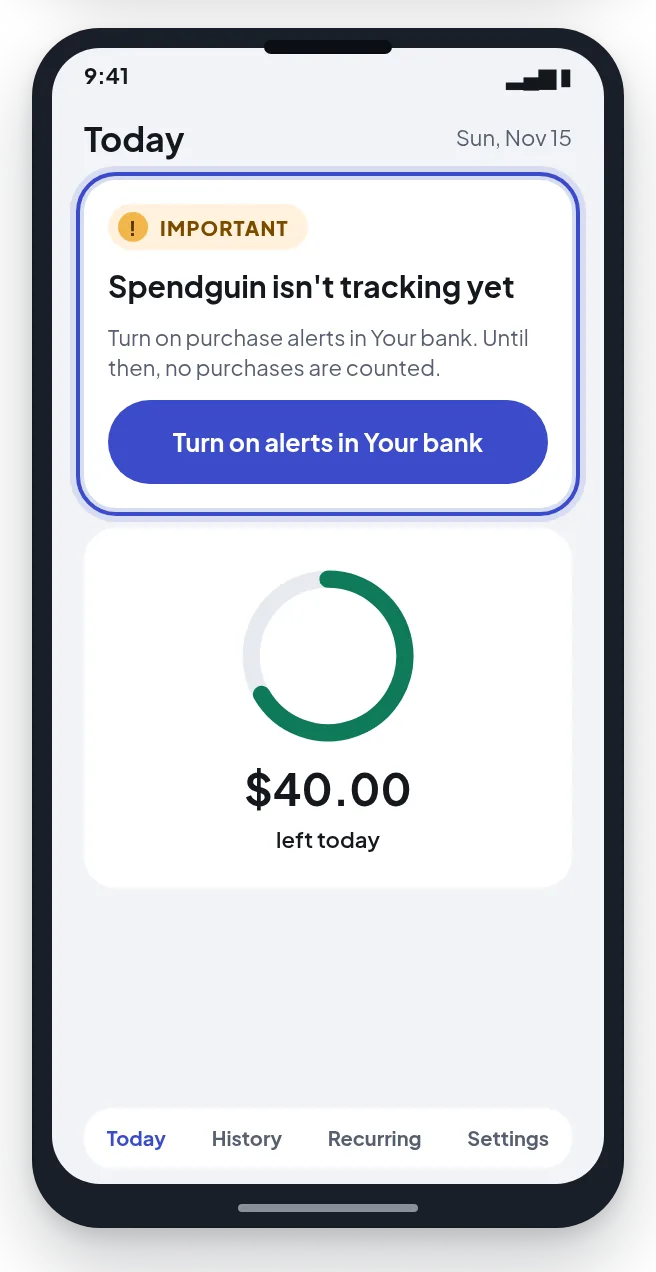
Alerts aren't on yet
"Waiting for your first alert"
You see this after tapping Yes, they're on. Spendguin is ready. It just needs a purchase.
Buy something with that card. It should show up within seconds.
If the card says your app is sending alerts to this phone, Spendguin has heard from it, so you're close.
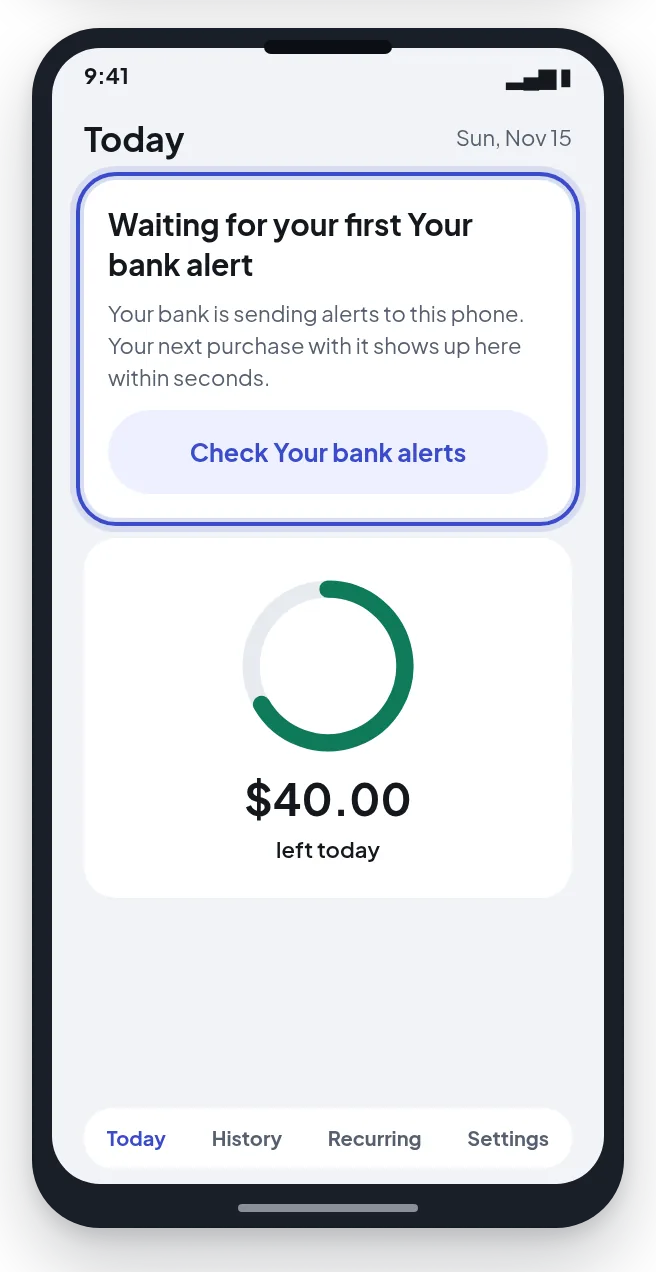
Ready, waiting for a purchase
When the first purchase comes in
Spendguin asks Count this card? Name it, pick a colour and choose if it counts toward your budget. The card on Today goes away. More on Count this card?
Bought something and nothing showed up?
Go through No purchases showing up. It's almost always the bank's alert settings.